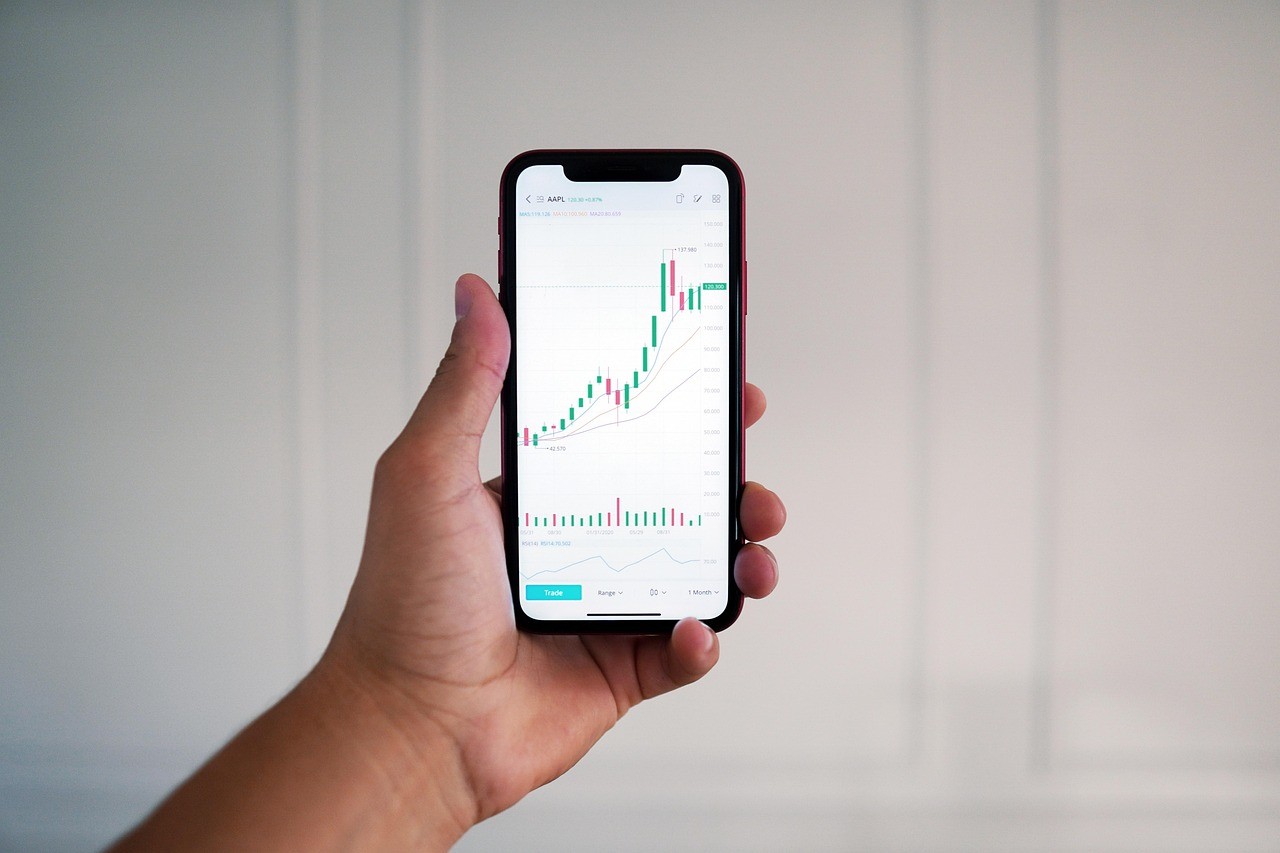
Forex participation in Nigeria has become more mobile first than ever. Many traders now scan charts during commutes, manage risk between work hours, and react to market volatility with quick taps instead of a full desktop setup. As this shift grows, the most valuable mobile feature is no longer just fast execution. It is the ability to bring your own analysis tools into the app and trade with the same edge you developed over time.
This is why a strong forex trading app is judged by more than chart templates and indicators that come preinstalled. Serious Nigerian traders want to load custom indicators, keep settings synced, and apply personal strategies on the go without losing precision. Modern apps increasingly support this through plugins, script libraries, cloud workspaces, and integration with desktop platforms.
Why Nigerian Traders Want Custom Indicators On Mobile
In Nigeria, market conditions can change quickly due to global risk sentiment, crude oil headlines, and shifts in dollar demand. Many traders also deal with inconsistent schedules and variable connectivity, so they prefer tools that help them make faster decisions with fewer steps. A custom indicator that summarizes momentum, volatility, or market structure can save time when you cannot sit at a desk for long.
Custom indicators also support local trading styles. Some Nigerian traders focus on breakout conditions around major sessions, while others trade mean reversion during quieter periods. Prebuilt indicators may not match these preferences. When you can load an indicator that was built for your own rules, your chart becomes a decision engine, not a generic display.

Most importantly, custom tools improve consistency. When you use the same indicator logic across devices, you reduce the chance of making different decisions just because you changed screens. That consistency matters for discipline, especially when spreads widen or price moves quickly.
How Modern Trading Apps Support Custom Indicator Loading
There are several common methods modern apps use to allow custom indicators, and the method depends on whether the app is a native mobile platform or a companion to a desktop terminal. Many apps rely on a connected ecosystem where the indicator is installed on desktop and then synced to mobile through an account or cloud profile. This approach is popular because it keeps the heavy computation and file management on a computer while giving the trader mobile access to the output.
Other apps support indicator marketplaces or built in libraries. In these systems, you can browse community indicators, install them like plugins, and then configure parameters inside the app. This method suits traders who do not code but still want specialized tools. Some platforms also provide scripting support through web based dashboards, where you create indicator logic in a browser and then deploy it to your mobile workspace.
A growing trend is cloud hosted workspaces. With these, your chart templates, watchlists, and indicator presets live in the cloud and load on any device. For Nigerian traders who switch between phone and laptop due to power or internet differences, cloud sync reduces friction and prevents loss of setup.
File Formats And Compatibility What Traders Should Understand
Custom indicators come in different forms depending on the platform. Some are compiled files, some are scripts, and some are templates that reference indicator logic hosted elsewhere. Compatibility matters because a mobile app may not execute the indicator code directly. Instead, it may display an indicator that is being calculated on the server or on a linked desktop terminal.

This is why many apps separate indicator creation from indicator usage. You might create or install the indicator within the platform ecosystem, then the app simply renders the output lines, signals, or panels. That is not a limitation, it is often a stability feature because phones have limited resources and must conserve battery.
Nigerian traders should also pay attention to version alignment. If your desktop terminal updates but your mobile app lags behind, certain indicator features may not display correctly. Keeping both updated helps prevent mismatched calculations, missing buffers, or unexpected chart behaviour.
Another consideration is data feed differences. If your indicator relies on a specific timeframe, session close, or tick behaviour, you should test whether the mobile environment uses the same feed and the same candle construction. Small differences can affect signals, especially for scalping and precision entries.
Practical Workflow For Loading And Using A Custom Indicator
The smoothest workflow usually starts with defining what the indicator is supposed to do. A good custom indicator solves a specific decision problem, such as filtering trades, identifying trend strength, or warning when volatility is too high. Once you know the purpose, you can choose an indicator that matches your strategy rather than downloading tools randomly.
Next is installation and verification. If your platform uses desktop installation, you add the indicator on desktop, apply it to a chart, and confirm the output matches expectations. Then you save the template or workspace profile that includes the indicator and its settings. After that, you check the mobile app and confirm that the same chart layout and settings appear.
If your platform uses a marketplace or plugin model, you install directly in the app, configure settings, and save the layout as a preset. In both cases, it is important to test on a demo environment or on a small position size before relying on the tool for live execution.
Finally, build a routine around it. For example, you can use your custom indicator as a first filter, then confirm with a second signal such as price structure or a higher timeframe trend. This routine helps you avoid over reliance on one tool, which can be risky during sudden market shocks.
Risk And Security Considerations For Nigerian Traders
Custom indicators can improve performance, but they also introduce risk if you use untrusted files or unknown sources. An indicator may behave differently than advertised or produce misleading signals. Whenever possible, use indicators from reputable sources, and avoid tools that require unnecessary permissions or suspicious login requests.
Performance is also a risk factor. Heavy indicators can slow chart loading, drain battery, and cause delays during fast markets. In Nigeria, where connectivity can fluctuate, a lightweight tool that works reliably is often better than a complex tool that fails when you need it most.
If you are using a cloud synced environment, secure your account with strong passwords and two factor verification. Protecting access matters because your templates and watchlists reflect your strategy. Losing access at the wrong time can lead to rushed decisions and avoidable losses.
Conclusion
Modern trading apps are evolving from simple execution tools into full strategy workspaces. For Nigerian forex traders, the ability to load and use custom indicators means you can carry your personal edge into a mobile routine, stay consistent across devices, and react to market shifts without losing analytical depth. The best results come from choosing compatible platforms, verifying signals across environments, and prioritizing security and reliability so your custom tools support disciplined trading rather than adding new risk.