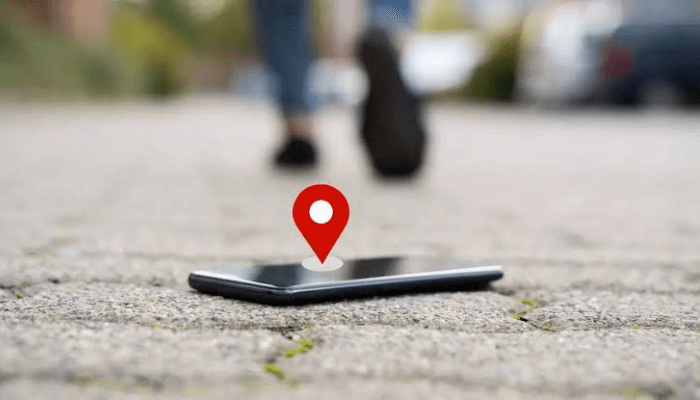
Losing a phone today can be more than frustrating it can be financially draining, especially considering how expensive smartphones have become. Replacing one often feels like an unplanned investment, which is why knowing how to track your phone when it’s lost or stolen is important.
According to a selection put together by Pulse, here are seven apps that can assist you in locating a missing Android phone. While these apps offer useful tracking features, most require access to certain functions on your device, which may raise concerns about data privacy. If you are cautious about sharing access with third-party services, it might be safer to rely on Google’s built-in tools.
Google Find My Device
Google Find My Device is one of the most reliable tools for locating a lost Android phone. It offers three key features that simplify the search process. The “Get directions” function allows you to see your phone’s real-time location and navigate directly to it. If you are nearby but can’t spot it, the “Play a sound” feature rings your device, even if it’s on silent. And if you suspect it’s in the wrong hands, the “Secure device” option lets you lock the screen, display a message for the finder, or remotely erase your personal data. As a Google product, it integrates well with your Google account and offers robust security measures.

Life360: Live Location Sharing
Life360 goes beyond just tracking lost phones, it is a full-fledged safety tool. Available for both Android and iOS devices, the app connects users into private groups called “circles,” allowing each member to see others’ real-time locations. If your phone goes missing, you can use a trusted family member’s device within the circle to track it down. Life360 also integrates with Tile, a smart tracking device, and uses GPS to locate registered devices, making it highly effective for phones and people alike. Note that location services need to be enabled on your phone for the app to function accurately. It’s a solid choice if you’re looking for both family safety and phone tracking in one app.
Find My Phone: Family Locator
Find My Phone: Family Locator offers a direct, phone-number-based tracking system. Once you enter the number of the lost device, the app attempts to pinpoint its location. Designed with family safety in mind, the app allows users to create groups where each member’s location can be shared and tracked. However, for tracking to be successful, the phone must be turned on, have GPS enabled, and an active phone number. While the app’s interface is user-friendly, it does come with a subscription plan.
Tracky: Location GPS Sharing

Tracky is another app that helps track your phone using a mobile number. After manually inputting the number or selecting one from your contact list, the app returns detailed location data. One standout feature of Tracky is its ability to maintain a history of past locations, not just the current one, making it easier to retrace your steps. However, access to location history and other advanced features requires a subscription.
Phone Tracker By Number
Phone Tracker By Number uses a unique method to trace lost phones. When you enter a phone number and click “Locate,” the app sends a text message containing a tracking invitation to that number. Once the recipient clicks the link, their location becomes visible on your app’s dashboard. This technique is simple and effective, provided the phone is switched on and the person who has it is willing to cooperate. While this may not be ideal for theft situations, it is incredibly useful if your phone was simply picked up by a helpful stranger. The app is free with optional subscription features
Where’s My Droid
Where’s My Droid brings several unique features to the table for Android users. One of its most helpful functions is “Commander Mode,” which allows you to remotely control and locate your phone via GPS. The app also includes a Theft Detection feature that can discreetly take photos and record activity on your phone including the thief’s face. For extra security, the app lets you lock your device remotely or initiate a factory reset through its “Lock setup” and “Wipe setup” options. Perhaps the most unique is “GPS Flare,” which captures the phone’s location even when the battery is critically low. These advanced functions are part of the premium package.
Find My Phone: Find Lost Phone
This app helps you track a lost phone and it includes features like a ringing alert, which plays a loud sound even if the phone is on silent, and a location tracker that helps pinpoint where your phone is. There’s also a “Don’t Touch My Phone” feature, which sets off an alarm, flashes the light, and vibrates the phone to deter potential theft. The app stores location history and comes in a free version with ads or a premium version without them.